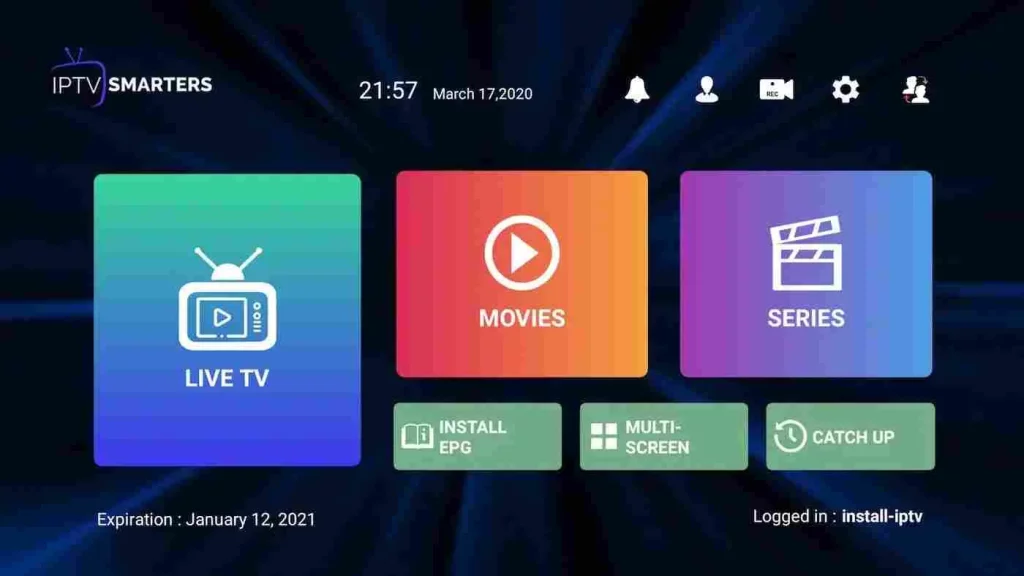
Smarters Player Lite Application
1- Open Google Play Store
2- Search for ” Smarters Player Lite “
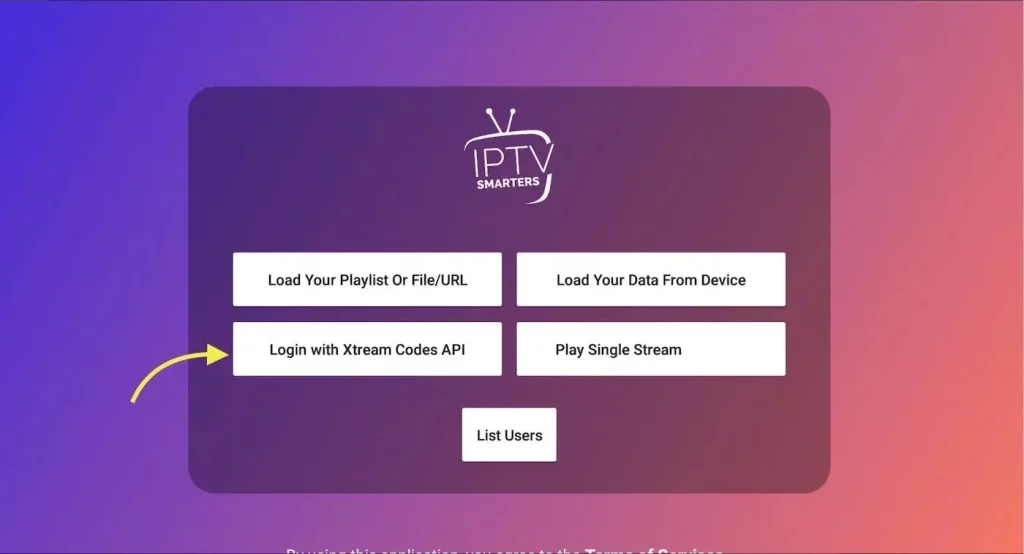
3- Open Smarters Plaer lite and click Login with Xtream Codes API
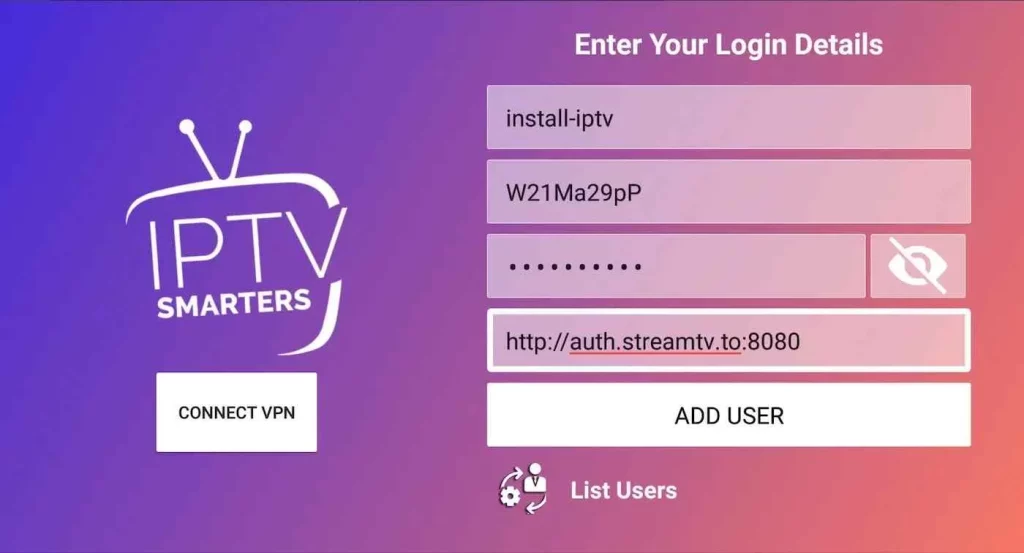
4- Enter Xtream connection details
For the first field Choose a name for your list (it can be any name ), Then enter your username, password and URL we provided to you and click ADD USER
5- It will start downloading channels and VOD about 10 seconds then you will be logged in and you will see this page